
Object storage can look like an unlimited file cabinet, but confused permissions create long-lived risk. Public images, downloads, user attachments, video sources, log archives, and backup copies have different access patterns. They should not share one broad public/private switch.
Group by purpose, not extension
A logo and an identity document may both be images. A public promo video and a course source file may both be MP4. Permissions should follow business use, audience, and retention requirements rather than file type alone.
Public access still needs boundaries
Public assets should live in dedicated paths or buckets and be delivered through CDN. Write permission, cache headers, CORS, and deletion rights still need control. The dangerous part is often not public read access; it is excessive write and overwrite access.
Private access must be revocable
Private attachments and controlled downloads often need signed URLs, expiry, scope, and logs. Avoid permanent links and avoid using administrative accounts as download credentials. The finer the permission model, the more important handover and revocation records become.
| Asset | Access route | Main risk |
|---|---|---|
| Public static assets | CDN and read-only public access | Overwrite, cache pollution, deletion |
| Controlled downloads | Signed URL or authenticated access | Permanent links and forwarding |
| Source files | Processing system and authorized users | Leakage, overwrite, version confusion |
| Backup archive | Isolated account and controlled recovery | Deletion, weak encryption, failed restore |
Backup buckets must never become convenient public storage
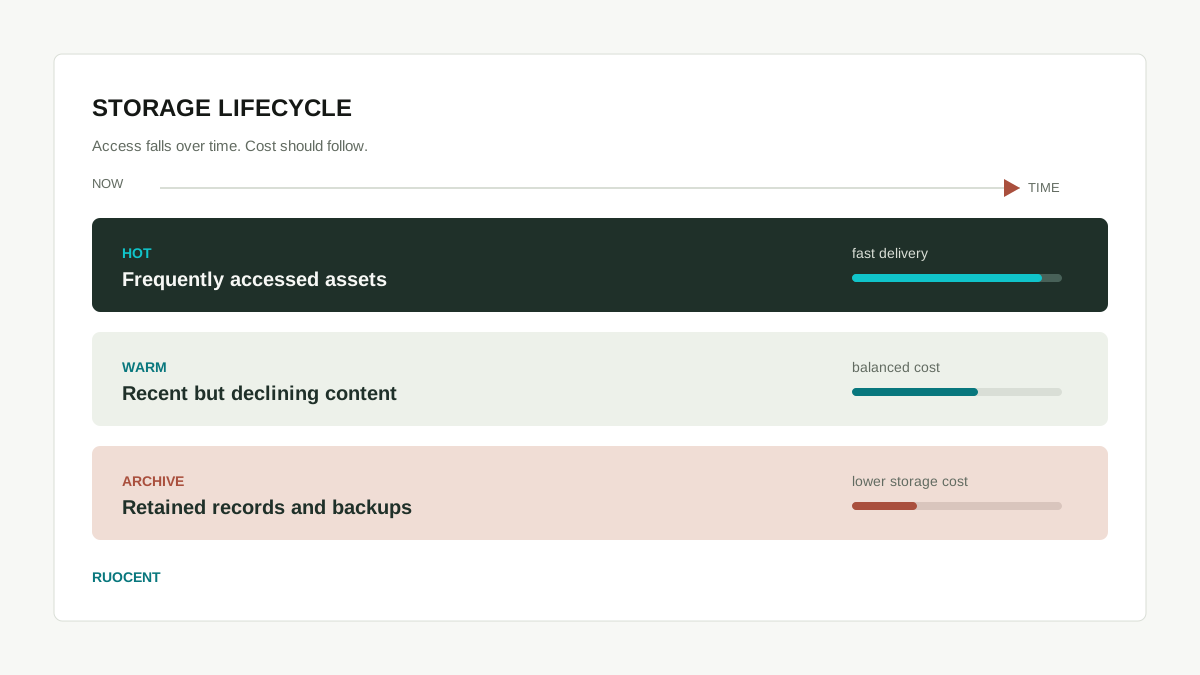
Backups may include configuration, databases, logs, and uploads. Restrict read and delete rights, keep restore test records, and separate backup paths from public assets. Storage cost advantages matter only when permission, lifecycle, and audit are designed together.